If You Give a Mouse a Cookie (and a Google Cloud Account)
It started with my son's Minecraft server. Five Google Cloud services later, here's the chain reaction.


Have you ever read If You Give a Mouse a Cookie? That's roughly how I ended up living inside Google Cloud.
It started small. I run my own experiments on the side — little apps, scrapers, calculators, a finance tracker — and pretty quickly I needed somewhere to store and run them. Local git plus a server in my closet worked for a while. But once I wanted multiple agents collaborating on the same repo from different environments, GitHub became the obvious next step. And once everything lived on GitHub, hosting public-facing web apps from my home server stopped feeling like a great idea. Enter Google Cloud.
Compute Engine: a Minecraft DNS bridge
The cookie was for my son. He runs a Paper Minecraft server on a free-tier ARM box (quad-core, 24GB RAM, $0/month). He loves that I have it wired into OpenClaw so he can chat with an agent in Discord to mod the server or — let's be honest — endow himself with the best gear.
But he wanted his Bedrock-platform friends to join his Java server. The fix was a small DNS server that redirects Bedrock traffic to the Paper instance. I spun up a free-tier Google Compute Engine VM, dropped the DNS service on it, and his crew was online the same evening. GCP's free tier is genuinely generous.
Cloud Run: hosting my hobby web
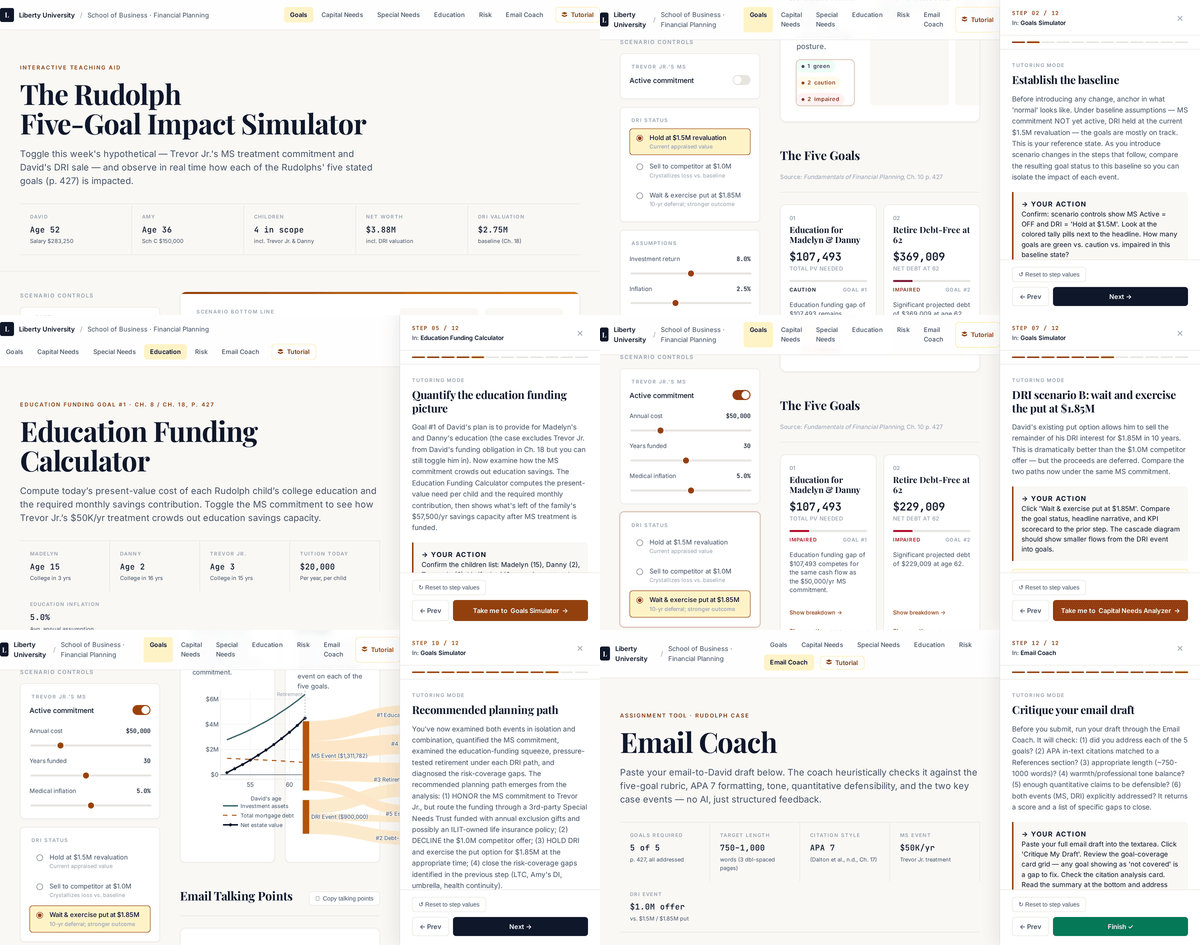
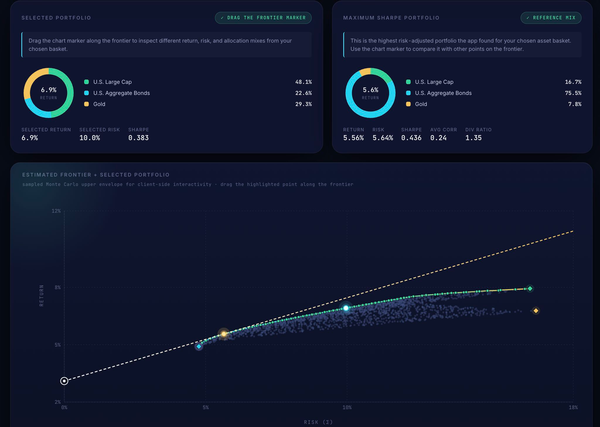
Once Compute Engine clicked, I turned to my actual websites: my resume site, my Efficient Frontier calculator, and a private GPA tracker for my kids. Cloud Run scales to zero (read: free at idle), gives you generous free monthly limits, and — the part that made me grin — it watches a GitHub branch and auto-deploys on every push.
Within five minutes, all three apps were live on Cloud Run. Reconfiguring my DNS records actually took longer than the deployments did.
BigQuery, Data Studio, and a helpful Gemini
Once the apps were up, I wanted to see who was actually visiting. BigQuery and Data Studio are the obvious pair, but the wiring isn't always intuitive. Gemini Cloud Assist walked me through the configuration step-by-step. Within an evening, my Cloud Run logs were streaming into BigQuery and a custom Data Studio dashboard was rendering them.
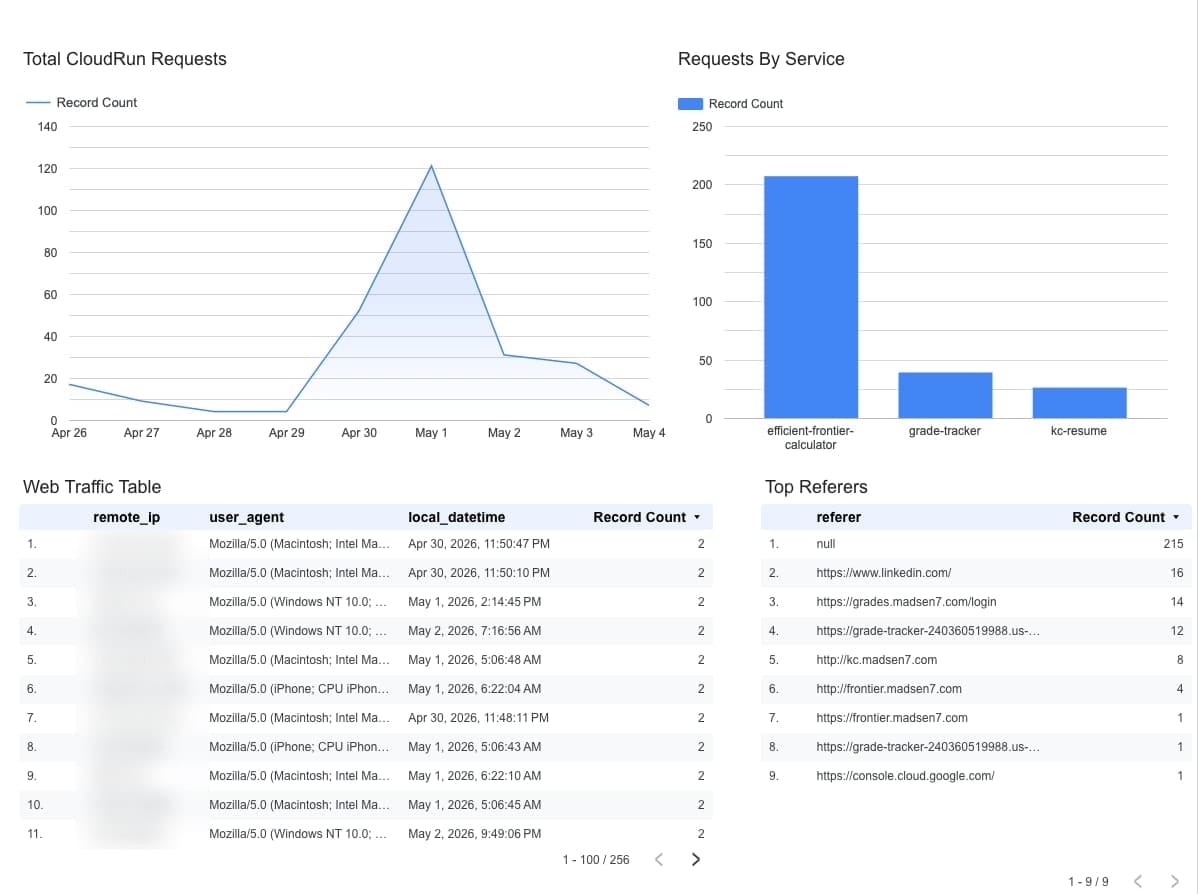
Gemini also helped me filter the firehose down to what looked like real human visits. Turns out a lot of my "traffic" was scrapers and bots crawling for secrets. A few code changes later — and an auto-deploy from GitHub — they were getting a polite 403 instead of a tour.
The cookie was the project, not the cloud
What I keep noticing is that I never set out to "learn Google Cloud." I set out to fix one thing for my son, then host one calculator, then see one chart of who was using it. Each project handed me a cookie that made the next service obvious.
That's the part I'd offer to anyone eyeing GCP (or any cloud, really): don't start with the platform. Start with a project you actually care about, and let the platform reveal itself one cookie at a time.